Are you using MailerLite for email marketing and want to grow your subscriber list faster? With OptinMonster, you can create stunning, high-converting popups that seamlessly integrate with MailerLite, helping you collect more leads and increase conversions.
In this guide, I’ll show you how to create a MailerLite popup in minutes using OptinMonster.
- What Is MailerLite?
- What Is a MailerLite Popup?
- Why Use OptinMonster to Make MailerLite Popups?
- How to Create a MailerLite Popup With OptinMonster
What Is MailerLite?
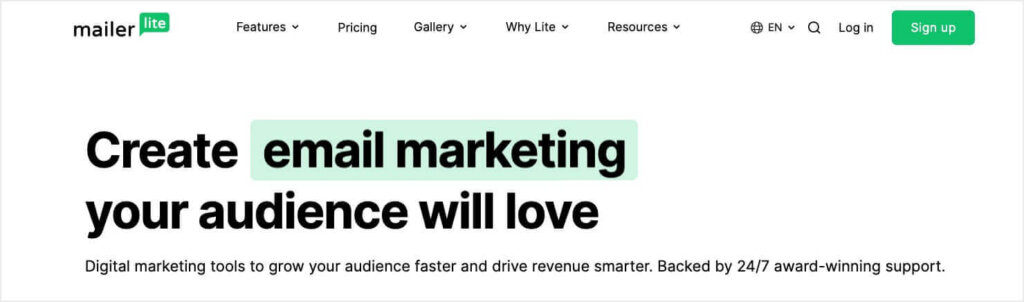
MailerLite is a popular email marketing platform designed to help businesses create, automate, and manage effective email campaigns. It offers a range of features, including:
- Drag-and-drop email editor to design engaging campaigns.
- Automation tools to send targeted and personalized emails.
- Signup forms to grow your subscriber list.
- Landing pages and websites to boost conversions.
- In-depth reporting to track email performance.
By integrating MailerLite with OptinMonster, you can maximize your lead-generation efforts and grow your email list faster.
What Is a MailerLite Popup?
A MailerLite popup is a form that appears on your website to capture visitors’ attention and encourage them to sign up for your email list. These popups can be used to:
- Promote special offers.
- Grow your email subscribers.
- Encourage event signups.
- Provide content upgrades or lead magnets.
OptinMonster lets you design high-converting popups with advanced targeting rules, so you can display them to the right audience at the right time.
Why Use OptinMonster to Make MailerLite Popups?
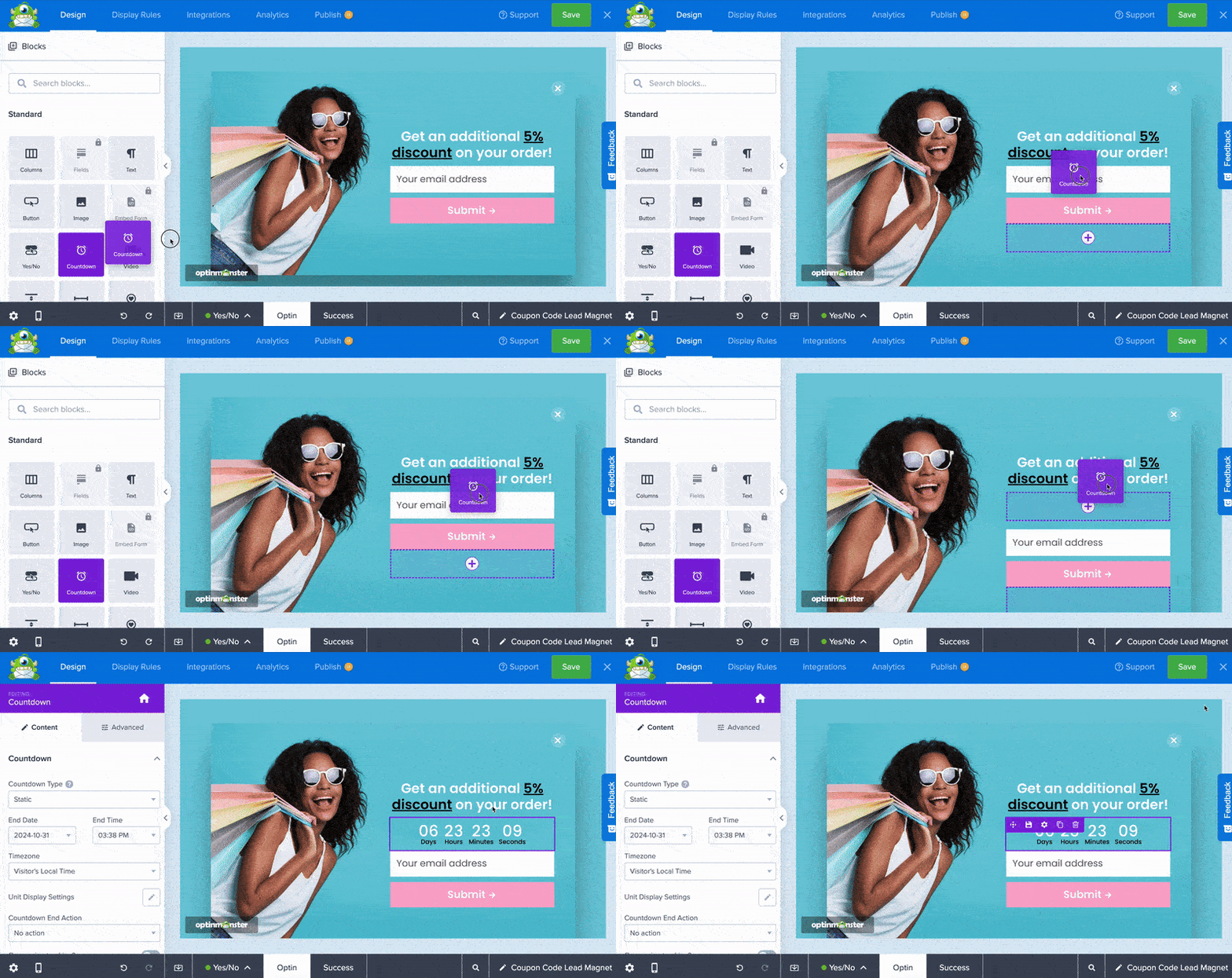
While MailerLite provides basic forms, OptinMonster gives you powerful tools to optimize conversions:
- 700+ pre-made templates for quick campaign creation. Browse our template library here.
- Drag-and-drop builder for effortless customization.
- Exit-Intent® Technology to capture abandoning visitors.
- Targeting options like page-level, geo-location, and referral source.
- A/B testing to optimize performance.
With OptinMonster, you can ensure that your MailerLite popups get maximum engagement and conversions. Here are some real-life results from some of OptinMonster’s customers:
- Storyly grew their email list by 45%
- American Bird Conservancy increased their lead collection by 1,000%
- Cosmetic Capital collected 18,000+ email addresses
Ready to see results like these? Sign up for OptinMonster, 100% risk free.
How to Create a MailerLite Popup With OptinMonster
Follow these simple steps to set up your MailerLite popup using OptinMonster:
Step 1: Create a New Campaign in OptinMonster
- Log into your OptinMonster account.
- Click Create New Campaign from your dashboard.
- Save time by selecting Template as your starting point. (If you want to design your popup from scratch, choose Canvas)
- Select a campaign type, such as Popup.
- Choose a template from OptinMonster’s 700+ designs.
- Name your campaign and click Start Building.
Once inside the editor, customize your popup using the drag-and-drop builder. You can edit the text, colors, images, and call-to-action (CTA) to match your brand.
For more in-depth instructions, check out Creating Your First OptinMonster Campaign.
Step 2: Connect OptinMonster to MailerLite
To integrate OptinMonster with MailerLite:
- Go to the Integrations tab in the OptinMonster campaign builder.
- Search for and select MailerLite.
- Log into your MailerLite account and retrieve your API Key (you can find this in your MailerLite settings).
- Paste the API Key into OptinMonster and create a MailerLite Account Name (for internal use)
- Click Connect to MailerLite, and OptinMonster will sync with your MailerLite email list.
- Choose the MailerLite group where you want to send new subscribers.
Note that these steps will bea little different if you’re using MailerLite Classic. For a more detailed guide, visit How to Connect OptinMonster With MailerLite.
Step 3: Publish Your Campaign
Once integrated, you’re ready to make your popup live:
- Navigate to the Publish tab in OptinMonster.
- Choose your website platform (WordPress, Shopify, HTML, etc.).
- Follow the instructions to embed the OptinMonster campaign on your site.
- Click Publish to activate your popup.
Your MailerLite popup is now live and ready to capture leads!
Boost Your Email Marketing Results With MailerLite Popups
By using OptinMonster to create MailerLite popups, you’ll build a high-quality email list faster. With features like Exit-Intent®, advanced targeting, and A/B testing, you can ensure your popups convert at the highest possible rate.
Ready to get started?
Sign up for OptinMonster today and start growing your MailerLite email list like never before!
Learn more about popups and email marketing:
- Popups Explained: The Ultimate Guide to Capturing Leads and Driving Conversions
- Email Marketing Made Simple: A Step-by-Step Guide [+ Examples]
- Email Popups That Convert: 23 Examples & Best Practices
- 10 Brilliant Email Marketing Examples and Why We Love Them
Comments
Post a Comment